
 Setting up apparatus
 Video capture & tracking
 Observing behaviour
 Connecting equipment
 Automating complex tests
 Running tests
 Results
 Visualising data
 Analysis
 Transferring data
 Open field
 Water-maze
 Y-maze
 Fear conditioning
 Novel object
 Barnes maze
 Radial arm maze
 Light/dark box
 Operant conditioning
 Zebrafish
 Computers
 Multifunction remote
 Accessories
 Digital interface
 Optogenetic interface
 Synchronisation interface
 Relay interface
 Audio interface
 Touch interface
 Analogue interface
 USB TTL cable
 Animal shocker
 Components
 Place preference
 ANY-box
 T-maze
 Zero maze
 Hole board
 Sociability cage
 OPAD
OPAD RAPC
RAPC Waterwheel forced swim test
 Thermal gradient ring
 Operon
 Activity Wheel
 Full ANY-maze licence
 Other licence types
 Developing countries licence
 Contact support
 Support Policy
 FAQs
FAQs Guides
 Downloads
 Send us files
 Activate a licence ID
 Documentation
 Contact us
 Blog
Blog About
About Testimonials
 Privacy Policy
Manually score behaviour
While ANY-maze track your animals, you can simultaneously score subtle behaviours using your computer’s keyboard.
For example, in an experiment you might wish to score grooming and accurately differentiate it from scratching. This isn’t something a computer can do automatically, but you could observe the animal during the test and press a key each time you judge that the animal is grooming.
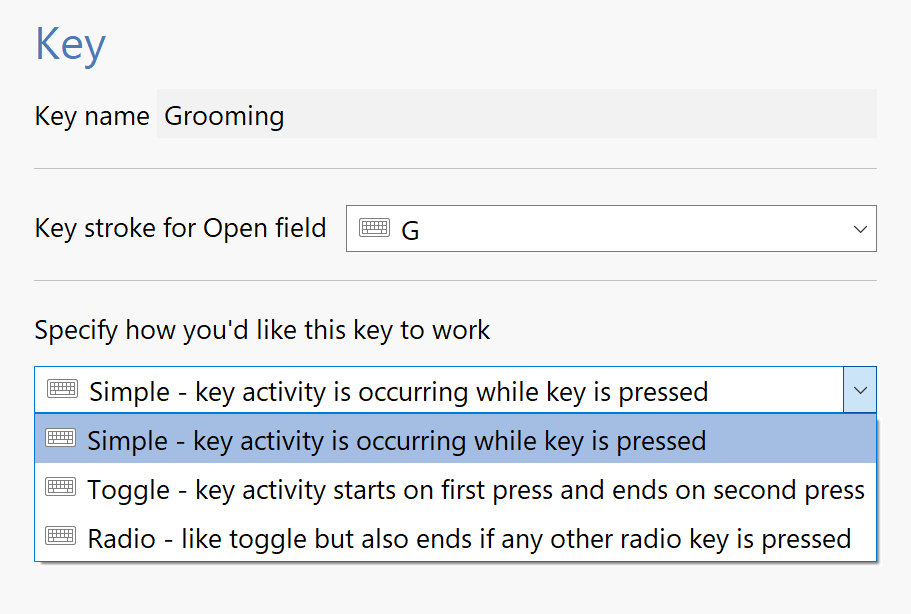
Flexible options
ANY-maze fully supports touch screens, including allowing you to layout your own on-screen ‘buttons’ that you can touch to record behaviours.
If you want to score multiple behaviours, then you can simply set up multiple keys. However, if you include more than three or four keys, it can become quite hard to accurately observe and score all the behaviours simultaneously. To address this, ANY-maze allows you to watch a video multiple times and score one or more behaviours on each occasion.
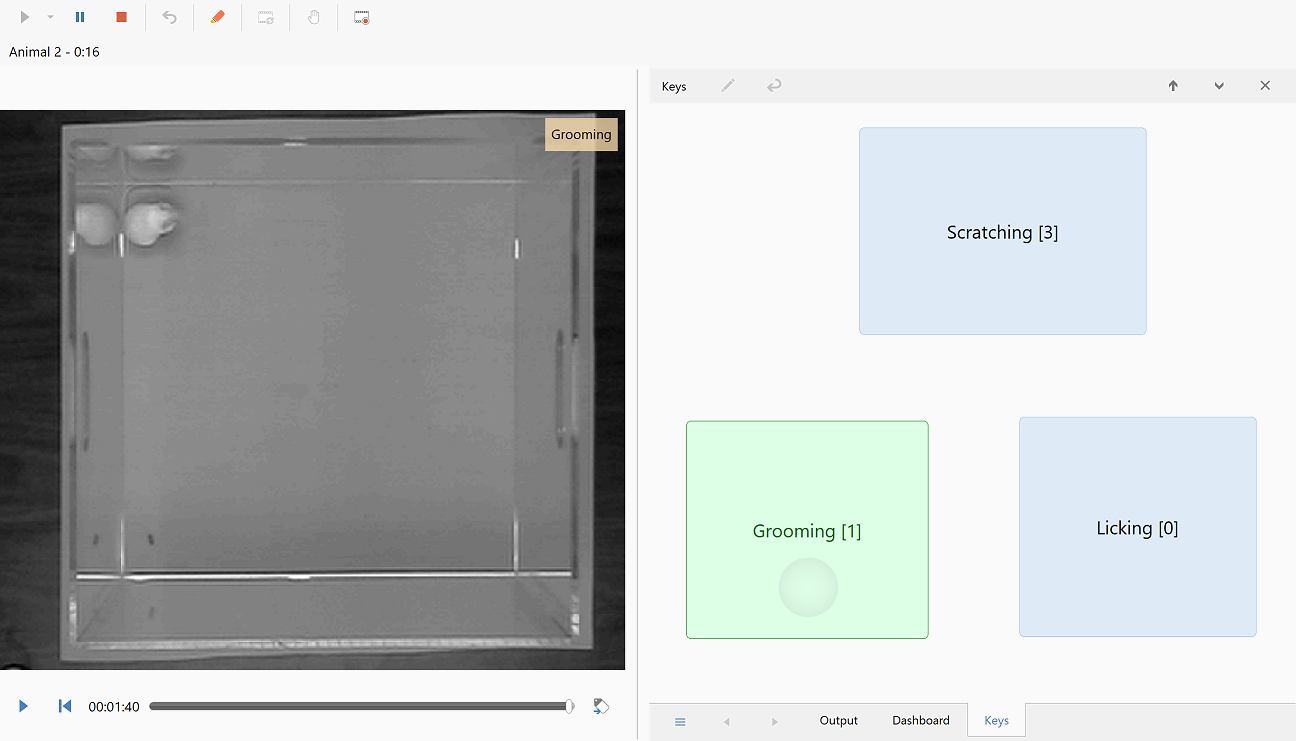
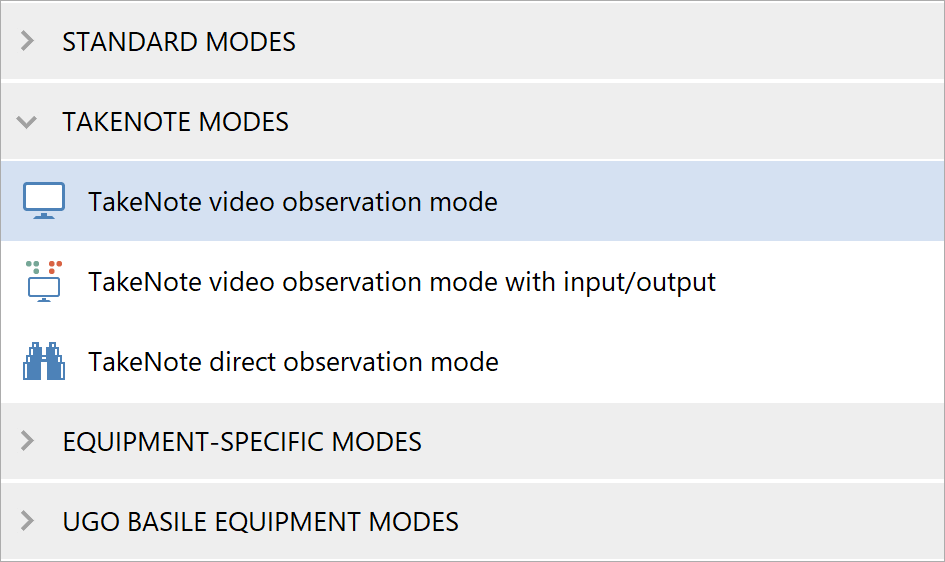
TakeNote mode
ANY-maze supports experiments in which all you want to do is observe the animal and score its behaviours manually without actually tracking it at all. You can do this either by watching a video within ANY-maze, or simply by directly observing the animal.
There is even a low cost licence available, if this is all you want to do with the system.
Key features
- Use keys to score behaviours the computer can't detect automatically
- A key can be set to score a behaviour while pressed
- A key can be set to score a behaviour as starting / stopping each time it is pressed
- Up to 46 keys can be defined
- Repeatedly view a video of a test and score different behaviours each time
- When using a touch screen, layout your own on-screen keys
- Determine 10 different measures relating to each key
- Key measures are reported for the whole apparatus and for each defined zone